Дом Новости Как просмотреть свой отчет Twitch за 2024 год

Как просмотреть свой отчет Twitch за 2024 год

Автор : Allison Обновлять : Jan 01,2025

Пришло время подводить итоги конца года: как найти свой отчет Twitch за 2024 год

От конкурсов Goodreads до Spotify Wrapped — обзоры на конец года идут полным ходом. Пользователи Twitch могут присоединиться к веселью, ознакомившись с обзором Twitch за 2024 год. Вот как:

Доступ к вашему резюме Twitch:

Выполните следующие простые шаги, чтобы просмотреть свой отчет на Twitch (и решить, достоин ли он публикации!):

  1. Перейдите на сайт Twitch Recap: Twitch.tv/annual-recap.
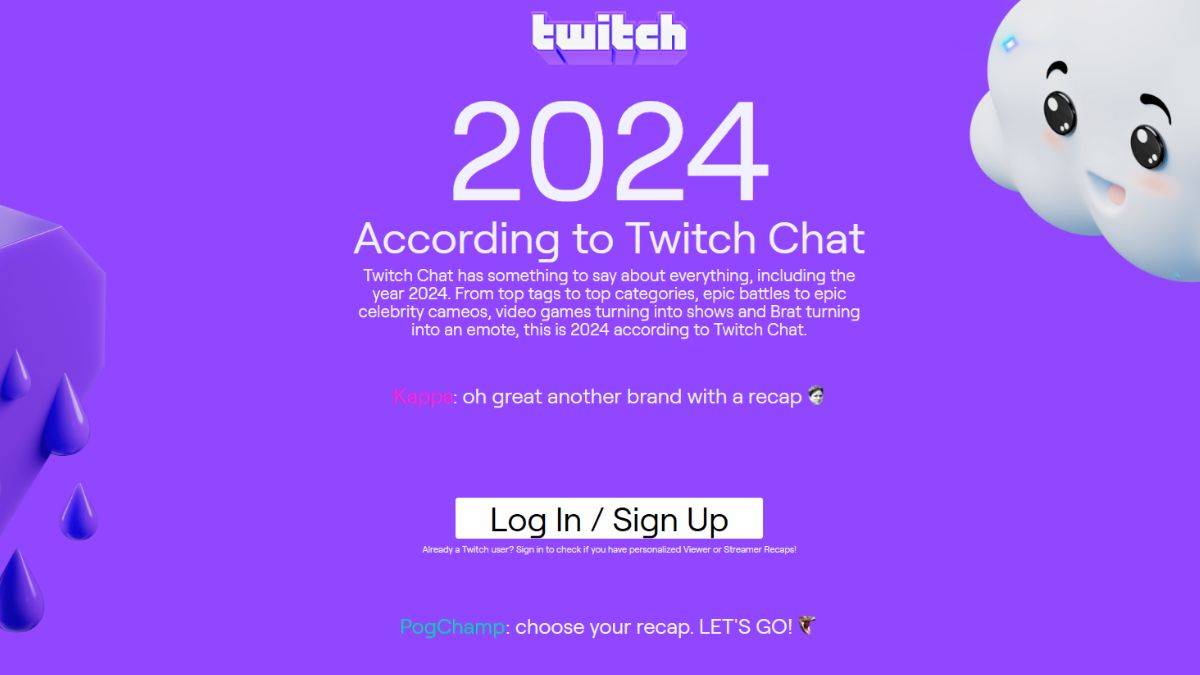
    Twitch Recap Website

  2. Войдите в свою учетную запись Twitch.

  3. Вам будет предложено выбрать между обзором просмотра или отчетом автора (если вы соответствуете минимальным требованиям).

  4. После выбора изучите свои персонализированные данные, включая основные категории, любимых стримеров и общее время просмотра — точно так же, как Spotify Wrapped!

Почему вы можете не увидеть свое резюме:

Если вы не видите опцию подведения итогов, возможно, вы не выполнили минимальные требования к времени просмотра или потоковой передачи.
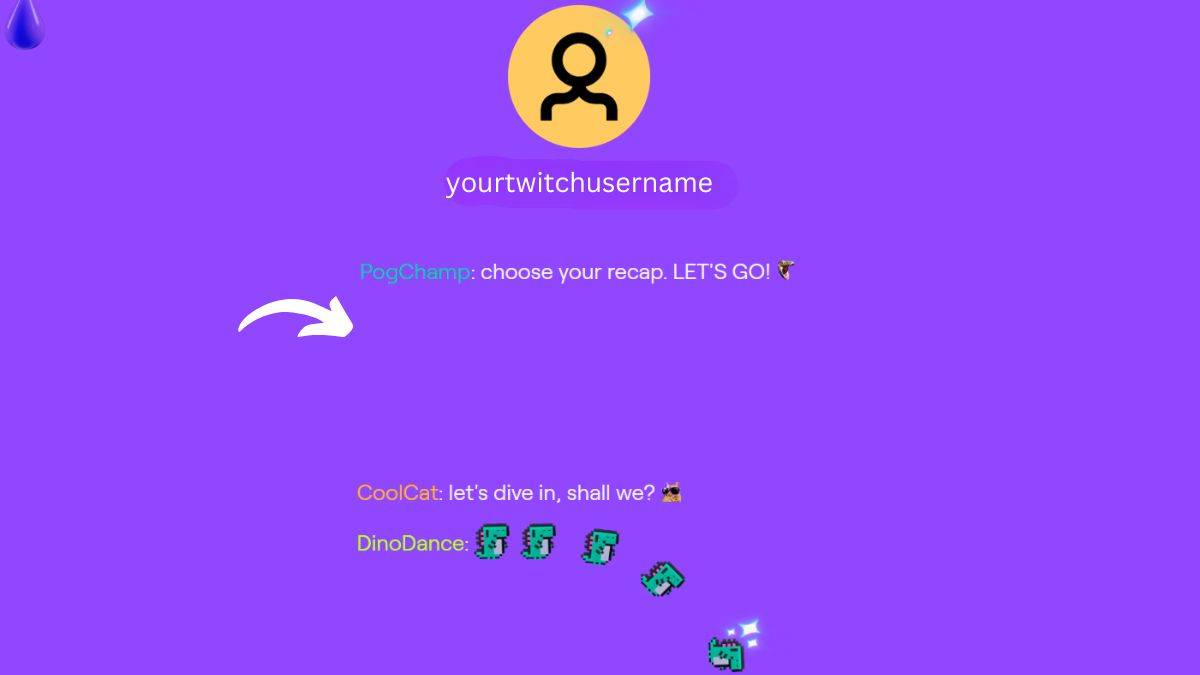
Missing Twitch Recap

Чтобы квалифицироваться, вам необходимо как минимум 10 часов просмотренных трансляций (зрители) или 10 часов потокового контента (авторы) в 2024 году. Если вы не справитесь, вы увидите отчет сообщества с общей статистикой Twitch, включая год. топ игр.

Даже без личного резюме веб-сайт Twitch Recap предлагает интересную информацию о главных тенденциях 2024 года, поэтому его стоит посетить независимо от вашего индивидуального времени просмотра. Возможно, новогодняя резолюция на 2025 год?

Последние статьи

Более
God of War: Shadow of the Nine Hells – wait, no, you're actually referring to "Black Myth: Wukong" – the highly anticipated action RPG from Chinese developer Game Science. As of recent updates, Black Myth: Wukong has indeed rolled out a major patch that delivers significant performance improvements, particularly on the PlayStation 5. Players have reported: Stable 60fps performance in most areas (previously capped or inconsistent in some zones). Reduced load times and smoother transitions between environments. Improved frame pacing and less hitching during intense combat sequences. Better optimization for PS5’s SSD, resulting in faster asset streaming. However, the downside? The patch has triggered a massive 93GB download for some users on PS5 — a surprising jump that's causing concern among players with limited storage. Why the 93GB Patch? This large size is due to: Full asset re-optimization for PS5’s hardware. New textures, higher-resolution models, and enhanced lighting/shadow systems. Backend engine upgrades that include recompiled code and updated audio, physics, and animation systems. Possible patch delta bloat, where incomplete patch updates (due to caching or outdated local files) cause the installer to download a near-full version. Tips to Manage the Large Download: Check your console storage and clear out unused games or save data if needed. Ensure a stable, fast internet connection – the download could take several hours on slower connections. Consider downloading during off-peak hours to avoid bandwidth issues. Use a USB drive for temporary storage if you’re tight on space. Don’t reinstall unless absolutely necessary — a clean install may be required if the patch fails due to corrupted files. While the 93GB download is undoubtedly hefty, it's a sign that the developers are committed to delivering the best possible experience on PS5, especially after earlier reports of performance hiccups. So yes — brace yourself for the download, but the performance gains might just make it worth the wait. 🔥 “The Monkey King is reborn — and this time, he’s running at full power.” Чтение